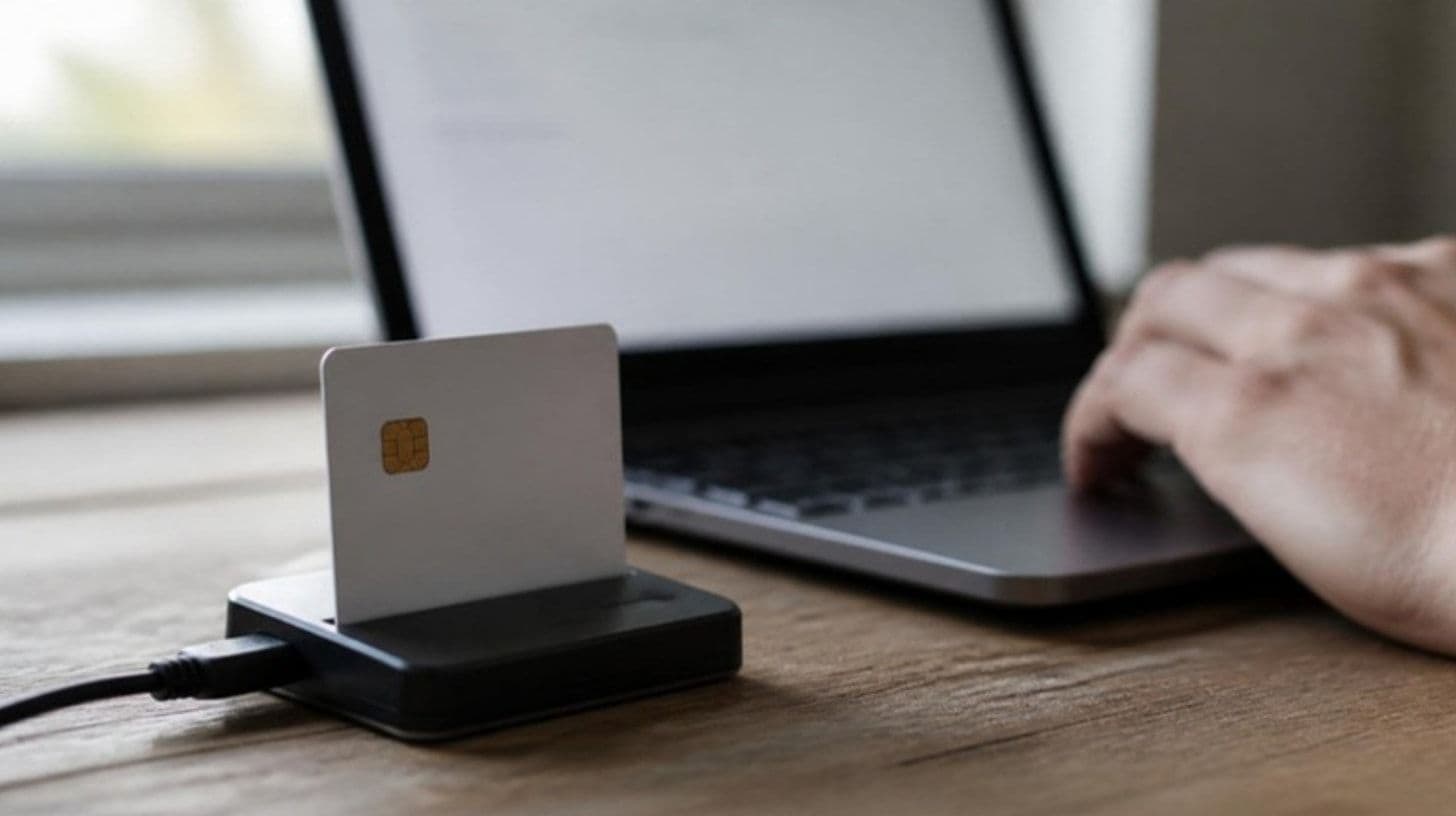
The electronic ID card issued by the Ministry of Interior (MUP) carries a certificate for electronic identification on its chip, and for adults also a certificate for a qualified electronic signature. To use the certificates the card must be activated: you need a smart card reader, the free activation tool and middleware that MUP publishes for Windows and macOS, and the PIN from the envelope you received with the card. After activation, the card's certificate is added to an account on the NS eID portal (idp.gov.me), which gives a high level of electronic identification. The new Law on Electronic Identification and Trust Services entered into force on 8 July 2026, and qualified certificates issued earlier remain valid until they expire.
This guide explains what you need for activation, how the procedure works, what PIN and PUK mean, how to register an NS eID account and which services are available.
What do you need for activation?
| Item | Note |
| Electronic ID card | Adults get an identification certificate and a qualified signature certificate, minors only the identification certificate |
| Security envelope | Contains instructions, an initial code, the PIN and the PUK |
| Computer with internet | Windows or macOS |
| Smart card reader | USB 2.0, compliant with ISO 7816 and PC/SC, if the computer has no built-in reader |
| Activation tool | Version 1.3.1 of 26 May 2025, for Windows and macOS |
| SCInterface middleware | Version 8.3.3 of 25 December 2025, for Windows and macOS |
- Readers are sold in computer shops, are not tied to one person, and one is enough for a whole household.
- The software and instructions are downloaded from the MUP page "Aktiviraj ličnu kartu", which also has instructions for signing PDF and Word documents.
- The certificates on the ID card are issued by TrustME, the trust service provider within MUP, to citizens of Montenegro.
How do you activate the ID card?
- Install the middleware and the activation tool for your operating system.
- Plug the reader into the computer and insert the ID card.
- Run the activation tool and enter the data from the envelope; the PIN and PUK are set during activation.
- After the first login, change the PIN, which must have 6 to 20 characters: letters, numbers or special characters.
- Write down the PIN and PUK and keep them in a safe place, never together with the ID card.
What if you enter a wrong PIN?
- After five consecutive wrong PINs the card locks, and it is unlocked with the PUK code.
- After five consecutive wrong PUKs the card is blocked and can no longer be used for electronic identification and signing.
- Ask for suspension or revocation of a certificate in person at a MUP office; revoking one certificate automatically revokes the other.
- You must report a lost ID card to MUP immediately.
- A citizen over 65 gets an ID card valid for 40 years, and once the certificates on the chip expire, new certificates require an application for a new ID card.
- ID cards issued under the earlier law could be used until 30 September 2025 at the latest.
How do you register an NS eID account?
- On the idp.gov.me portal choose "Registruj se", enter an email, a password and a mobile number, and accept the terms of use.
- Enter the code sent to your email, then the one-time SMS code.
- The system generates a PUK for resetting the password, which you should keep.
- You can log in with a one-time SMS code or with a username and password.
- For a high level of electronic identification, log in, put the activated ID card in the reader and choose to add an electronic certificate to the account.
What can you do online?
- On the MUP eServis portal you can see your personal data in MUP registers and the data of your minor children, as well as your electoral roll entry and polling station.
- There you can apply for a change of residence address, a citizenship certificate, a birth register extract and a residence certificate, delivered to a MUP office or to an address in Montenegro.
- eServis also shows the status of active applications.
- Some services on the eUprava portal can also be used with the electronic ID card.
- With the card's qualified electronic signature you can sign PDF and Word documents.
- The new law introduces a digital identity wallet, voluntary and free for individuals, which the ministry must set up within 18 months of adopting the implementing regulations.
What an ID card costs and how long it is valid is explained in our guide to passport and ID card costs, and birth extracts and citizenship certificates in our guide to the birth extract and citizenship certificate. How to get a criminal record certificate through eUprava is covered in our guide to the criminal record certificate, and logging in to eZdravlje in our guide to the chosen doctor. What the new law means for the legal effect of electronic signatures is analysed by RoNa Legal. If the reader or software will not work on your computer, you can find help through Glatko.
Frequently asked questions
How do you activate the Montenegrin electronic ID card? Insert the card into a reader, install the activation tool and middleware from the MUP page, enter the data from the envelope, then change the PIN.
Does activation work on a Mac? Yes, MUP publishes the activation tool and middleware for both Windows and macOS.
What if I lost my PIN or PUK? The PIN is unlocked with the PUK, and after five wrong PUKs the card is blocked for electronic use, so contact MUP.
How do you log in to NS eID with the ID card? Register an account at idp.gov.me, log in, and with the activated card in the reader add the electronic certificate to the account.
Which card reader do you need? Any USB reader compliant with ISO 7816 and PC/SC with a driver for your operating system; one reader is enough for a whole household.
Who can help? The MUP call centre on 067 286 750 or sit@mup.gov.me, on weekdays from 8 to 15 h.
Sources
The equipment, software versions and PIN and PUK rules come from the MUP pages Electronic ID card, Activate your ID card and About the electronic ID card, and the eServis services from the MUP frequently asked questions. Account registration comes from the NS eID user guide of the Ministry of Public Administration, and certificate validity and the digital identity wallet from the Law on Electronic Identification and Trust Services, Official Gazette 92/2026. The information was checked on 26 September 2026. Fijaka is a classifieds platform; check instructions and software versions on the MUP page.